Rectangles
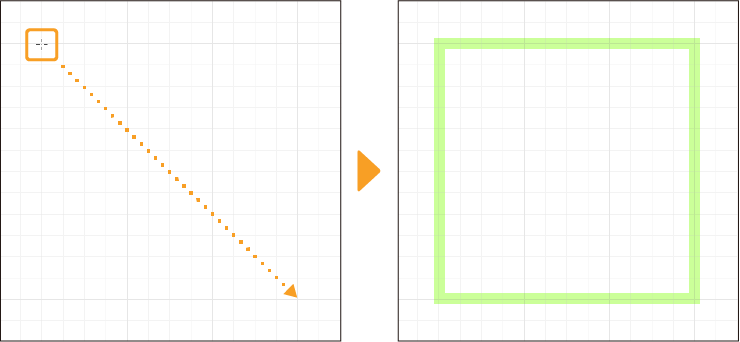
Use the Figure tool > Direct draw group > Rectangle to draw shapes such as rectangles and squares.
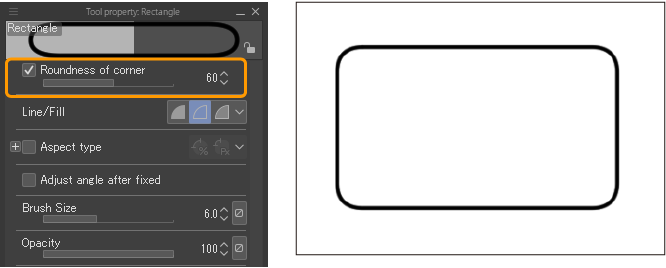
You can set how round its corners are by turning on Roundness of corner on the Tool Settings palette and adjusting the value.
To create a perfect square, hold the Shift key while dragging, or turn on Aspect ratio in the Tool Settings palette and set the same values for W and H.